Accurate.
Fast.
No nonsense.
Most virtual tuners jitter, lag, and fall apart in a loud room. This one was built by musicians who were genuinely frustrated with that. They did not ship it until it actually worked.
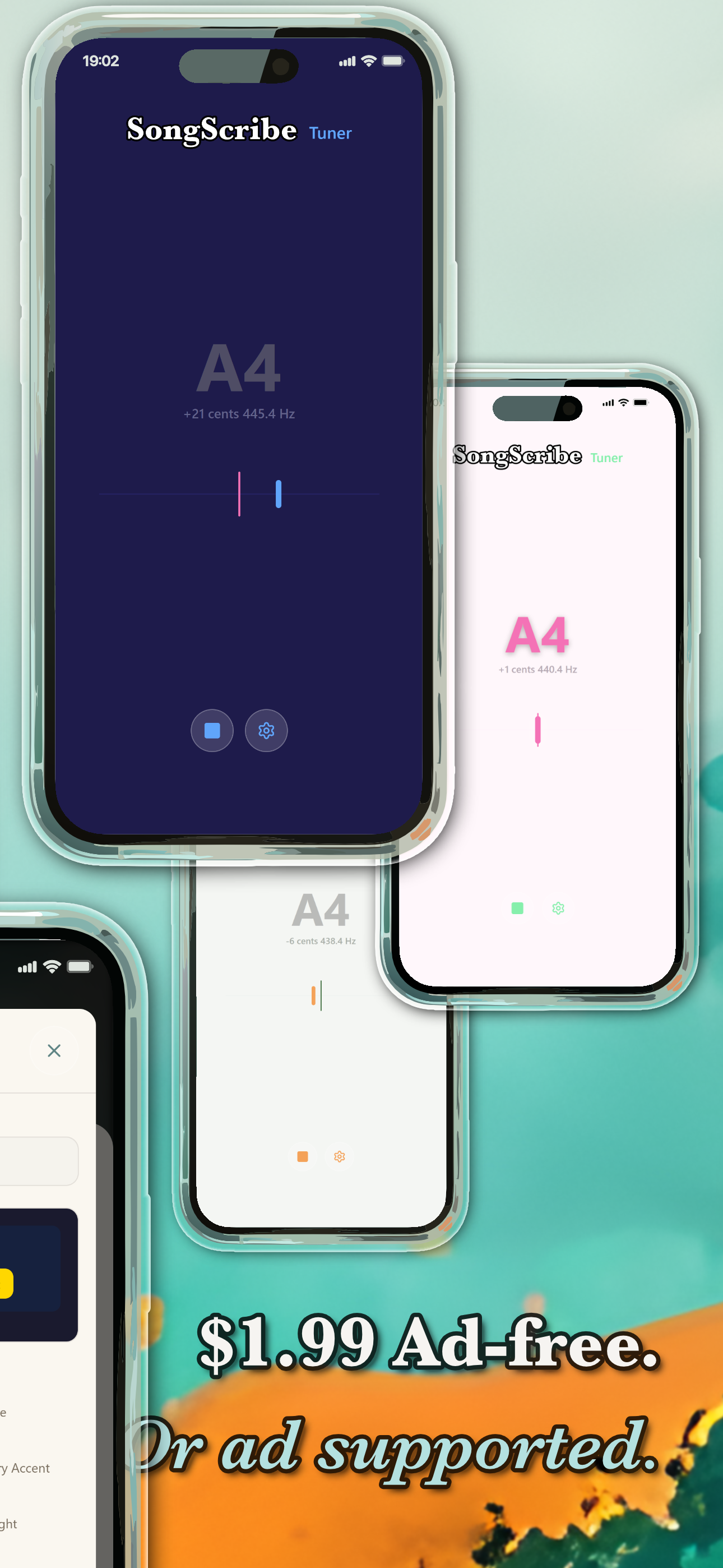
Free to download. Remove ads for $1.99: one-time, no subscription.
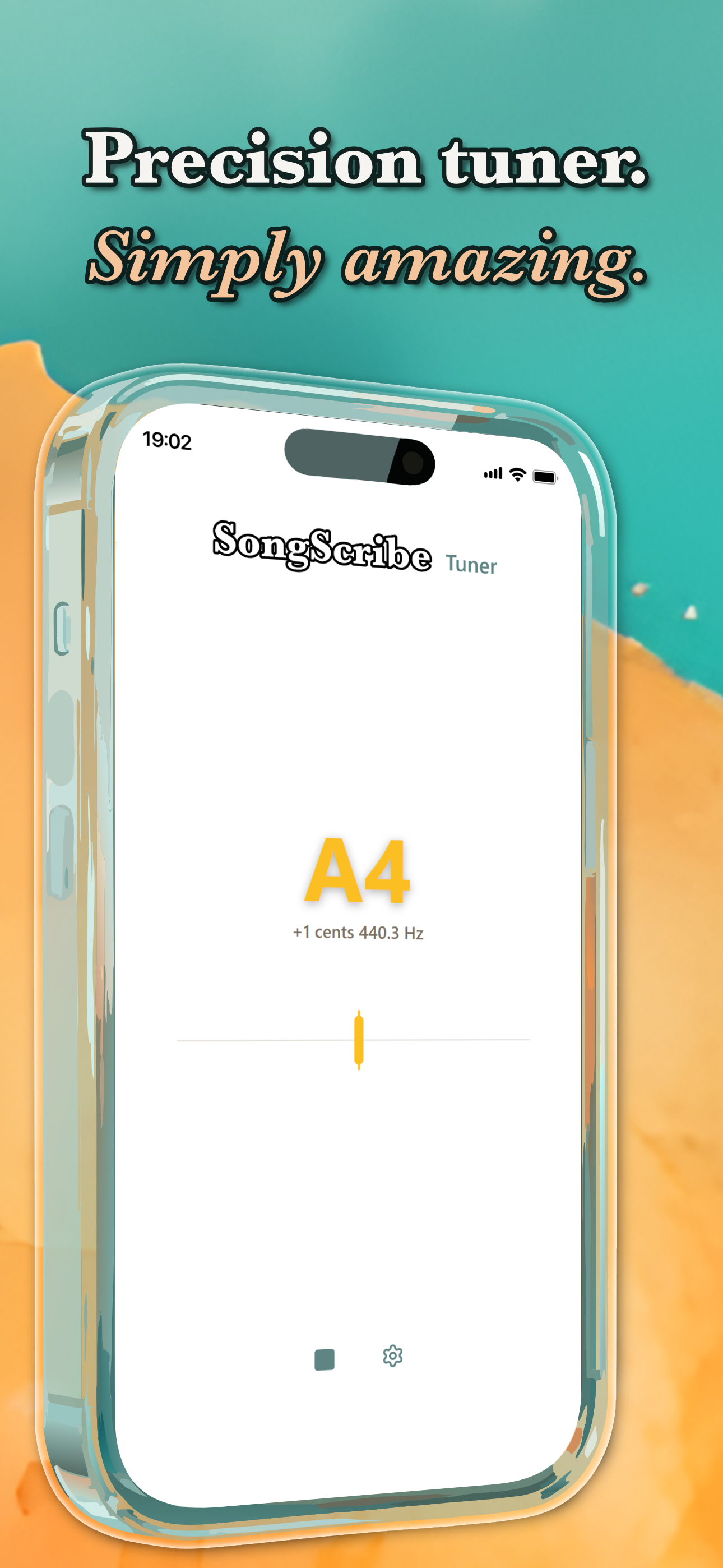
All screens. No surprises.

Because most of them are not good enough to perform with
Most tuners jitter on lock, lag by a quarter second, and fall apart when other instruments are in the room. On stage between songs, you do not have time for any of that.
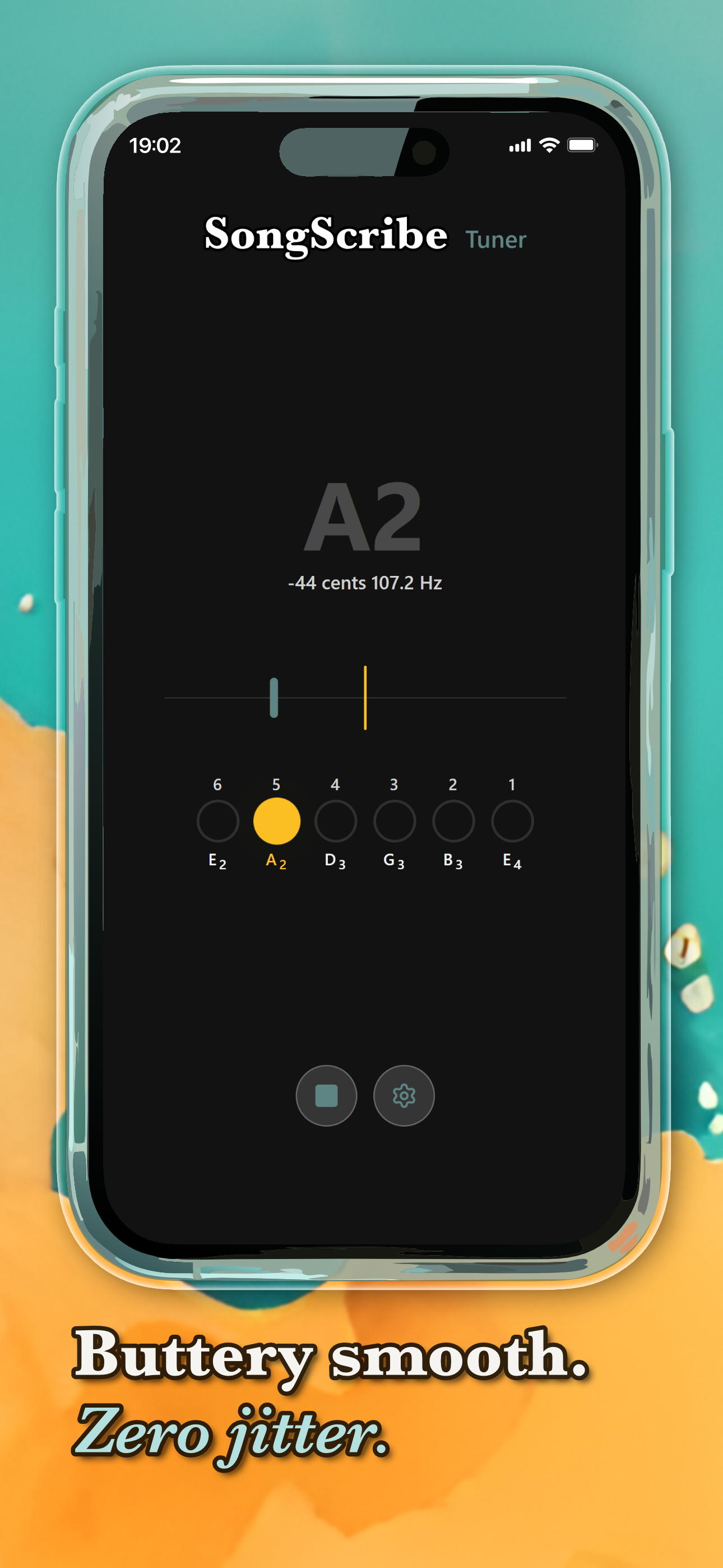
We built this because we needed it. Tested against hardware clip-on tuners. Tuned the needle smoothing until the jitter was gone. Made sure every preset shows correct string names, not approximations. Did not ship until rehearsals gave us nothing to complain about.
Echo cancellation, noise suppression, and auto gain are turned off. The audio pipeline from microphone to display is ours to control.
Audio is filtered to the musically relevant range: low enough for an open bass string, high enough for violin. Everything outside is discarded before detection runs.
Silence and ambient noise are checked before pitch detection begins. The algorithm only runs on a signal that actually contains sound.
A candidate frequency's harmonic structure is analysed to confirm the correct octave. A confidence score over a rolling window prevents false locks.
Everything you need. Nothing you don't.
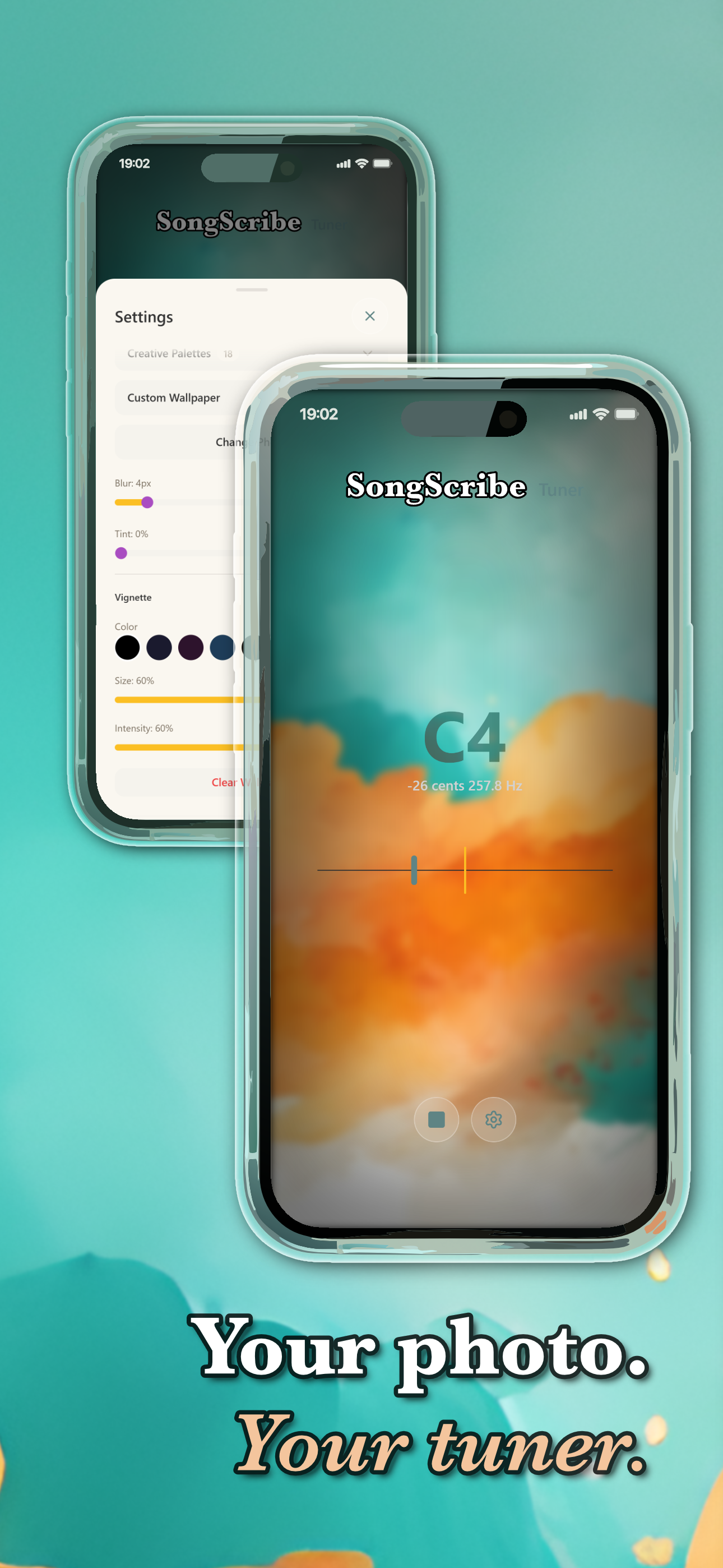
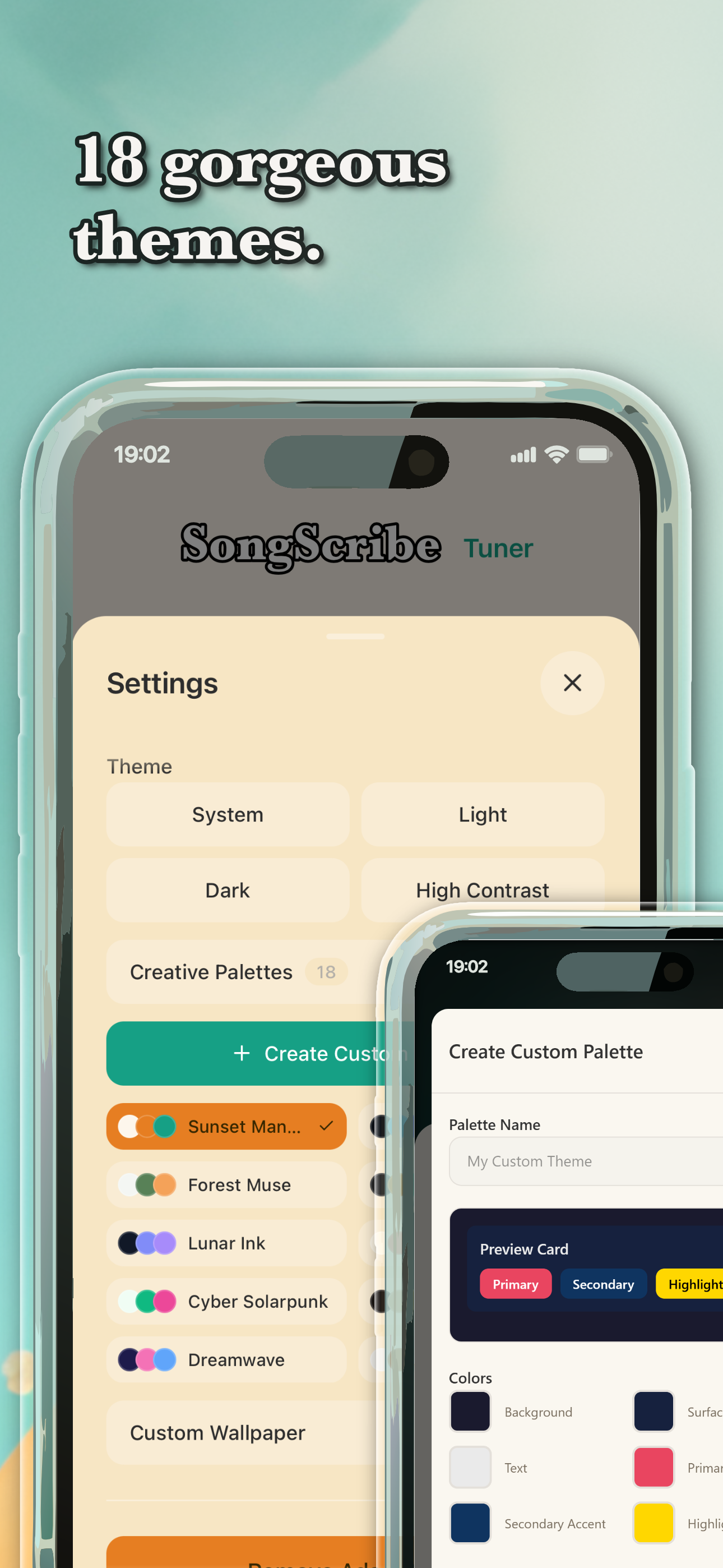
18 themes. Build your own. Or bring a photo.
One tap switches the entire app to a new color palette. Every theme is a complete system: background, surfaces, accent, and text, all designed to stay readable when you are focused on playing.
Adjust the background, surface, and accent colors to create a palette that is entirely yours. Changes apply across the whole app instantly.
Set any image from your library as the backdrop. Blur keeps the tuner readable, tint adds a color wash, vignette darkens the edges. All three are independent sliders.
Built to track pitch accurately in a noisy room
Most tuner apps hand the microphone to the operating system and let it do the hard work. OS noise tools are built for phone calls, not music. In a loud room, the results show: jitter, latency, false readings.
Each step does one job. The next only runs when the previous one passes. We tested the whole chain against hardware tuners until the readings matched.
One thing. Done properly.
A tuner has one job. The needle is large because you read it at arm's length while holding an instrument. The note name is first because it is the first thing you need. No tour screens, no mid-session prompts, nothing competing for your attention while you are actively tuning.
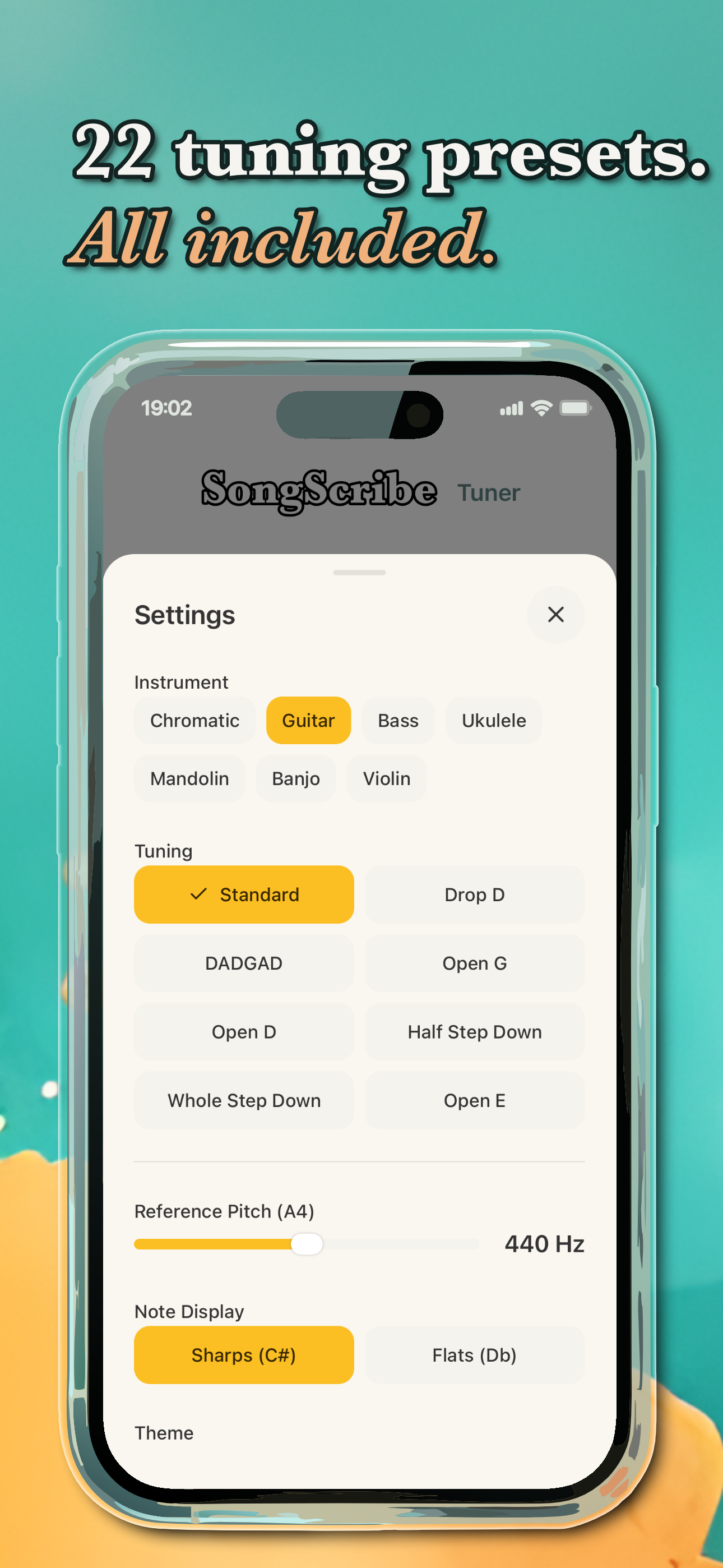
Every feature earned its place: instrument presets because string names matter and guitar approximations are wrong for banjo; themes because two hours of rehearsal is better when the screen does not look clinical; wallpaper because one size does not fit all. Everything else we looked at, we decided did not belong.
Free to use. Pay once to remove ads.
- All 22 instrument presets
- Chromatic tuner
- Adjustable reference pitch
- 18 themes + custom wallpaper
- Sharps/flats toggle
- Works offline, no account
- Everything in Free
- No ads, anywhere in the app
- One-time payment only
- Restore purchase on any device
- No subscription, ever